Board


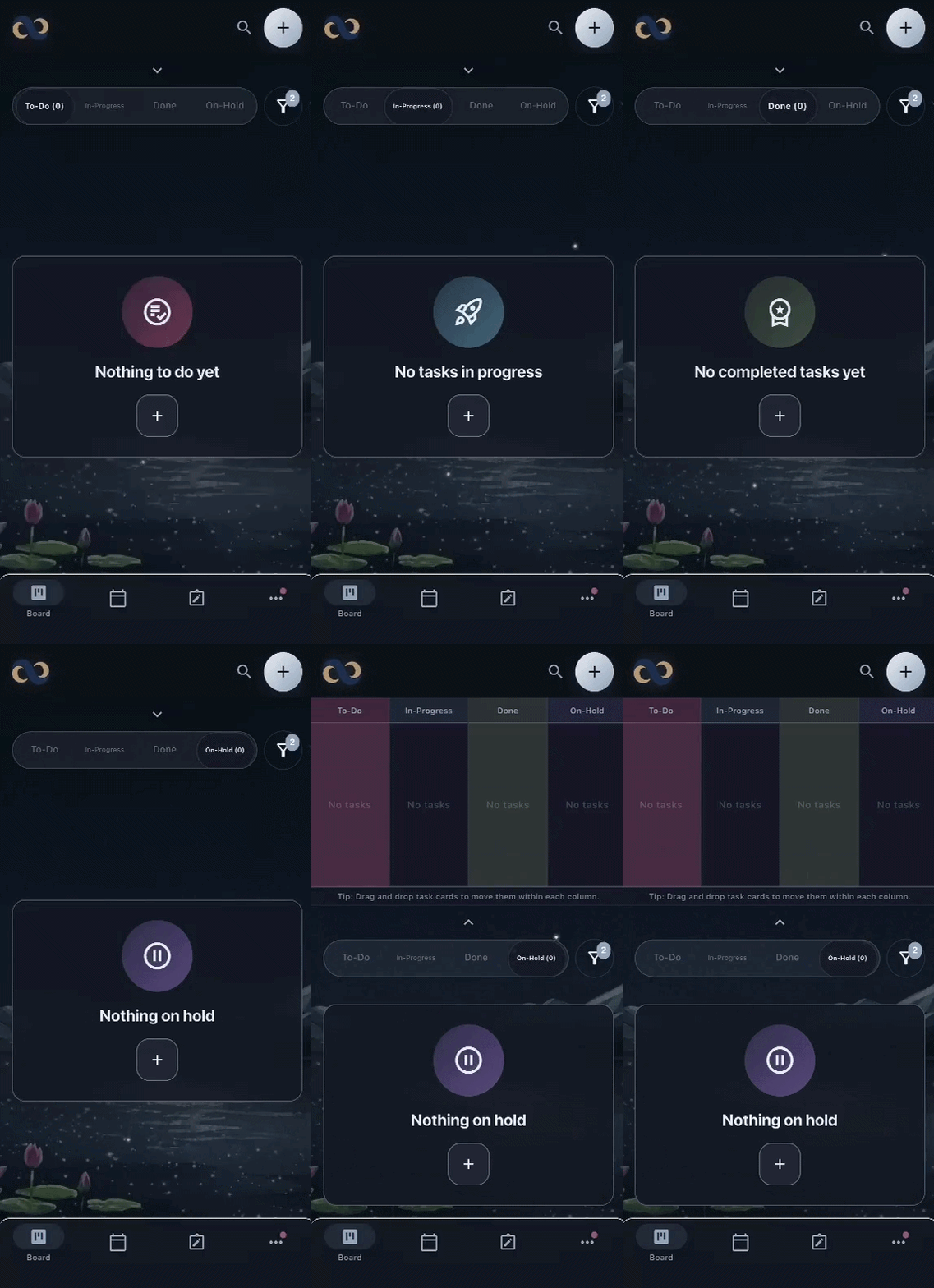
See everything. Focus on one thing. Zoom in on a single column for Right Now. Open the full board whenever you need the big picture.
Calm by design. Private by default.
Everything stays in one calm place. Nydhei brings your board, planner, and notes together, with a quiet, distraction-free design and complete offline capabilities, end-to-end encryption, and optional sign-in for backup and multi-device sync. You get privacy and convenience together.
How it works
Step 1
Add tasks and notes the moment they arrive — no account, no setup. Type naturally and quick syntax fills in the details.
Step 2
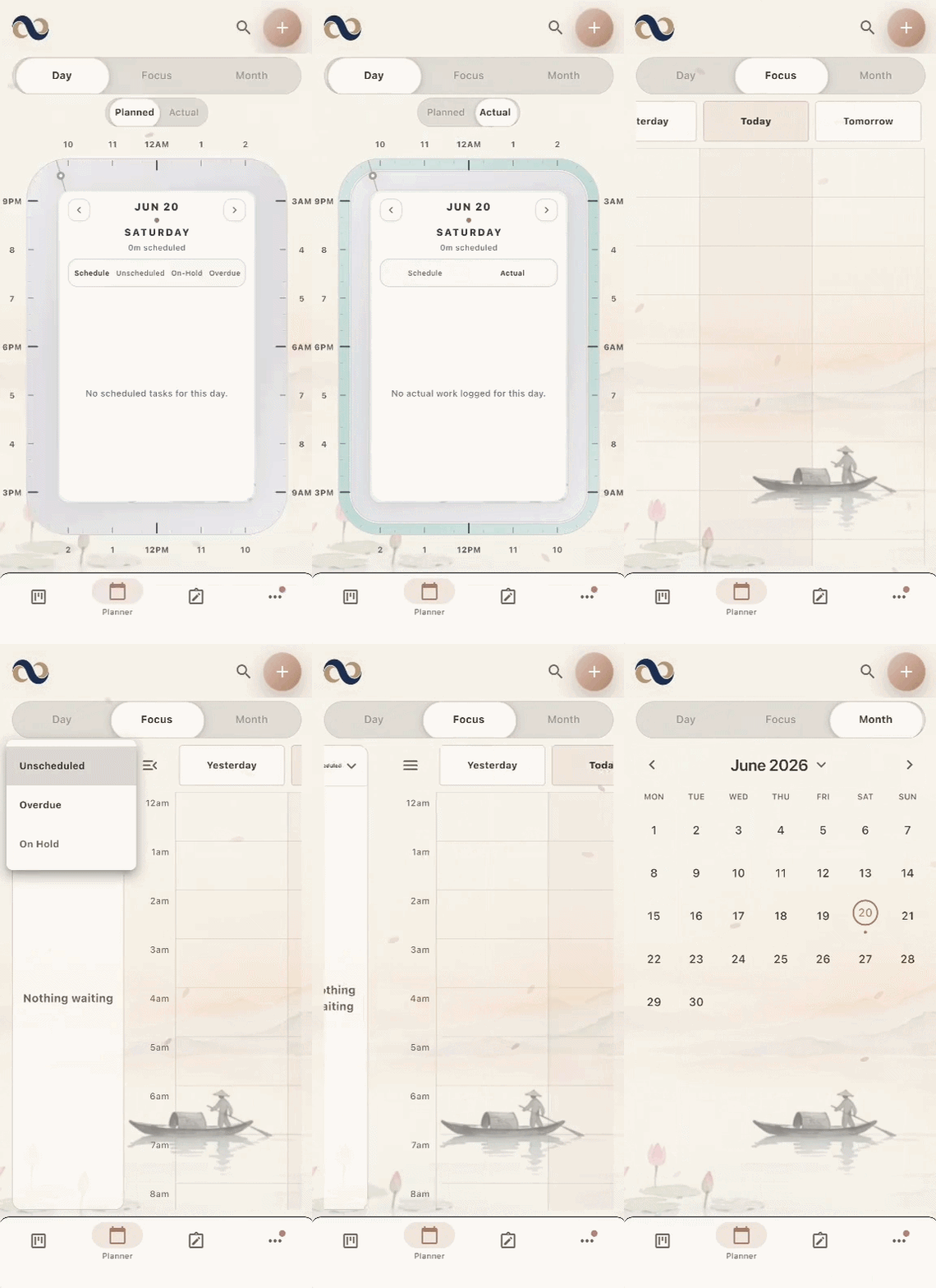
Drag tasks onto the planner dial to give them real hours. Zoom in for today or check your 3-day runway.
Step 3
Zoom the board into a single column for Right Now. Everything else waits quietly, encrypted and synced.
Features
See everything. Focus on one thing. Zoom in on a single column for Right Now. Open the full board whenever you need the big picture.
Time, scaled to your bandwidth. Zoom all the way in for Today, check your 3-day runway so nothing sneaks up on you, or step back to view the month.
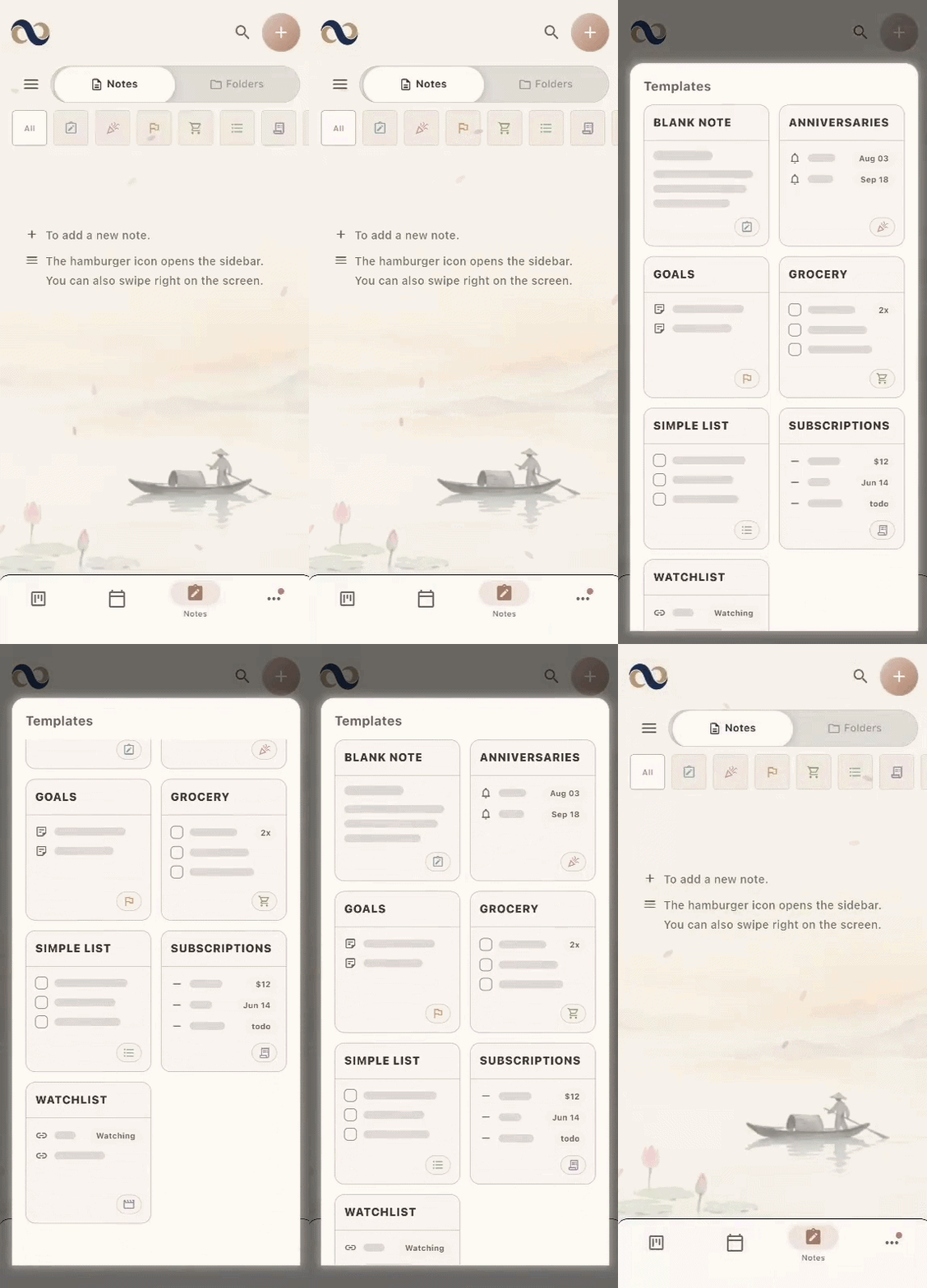
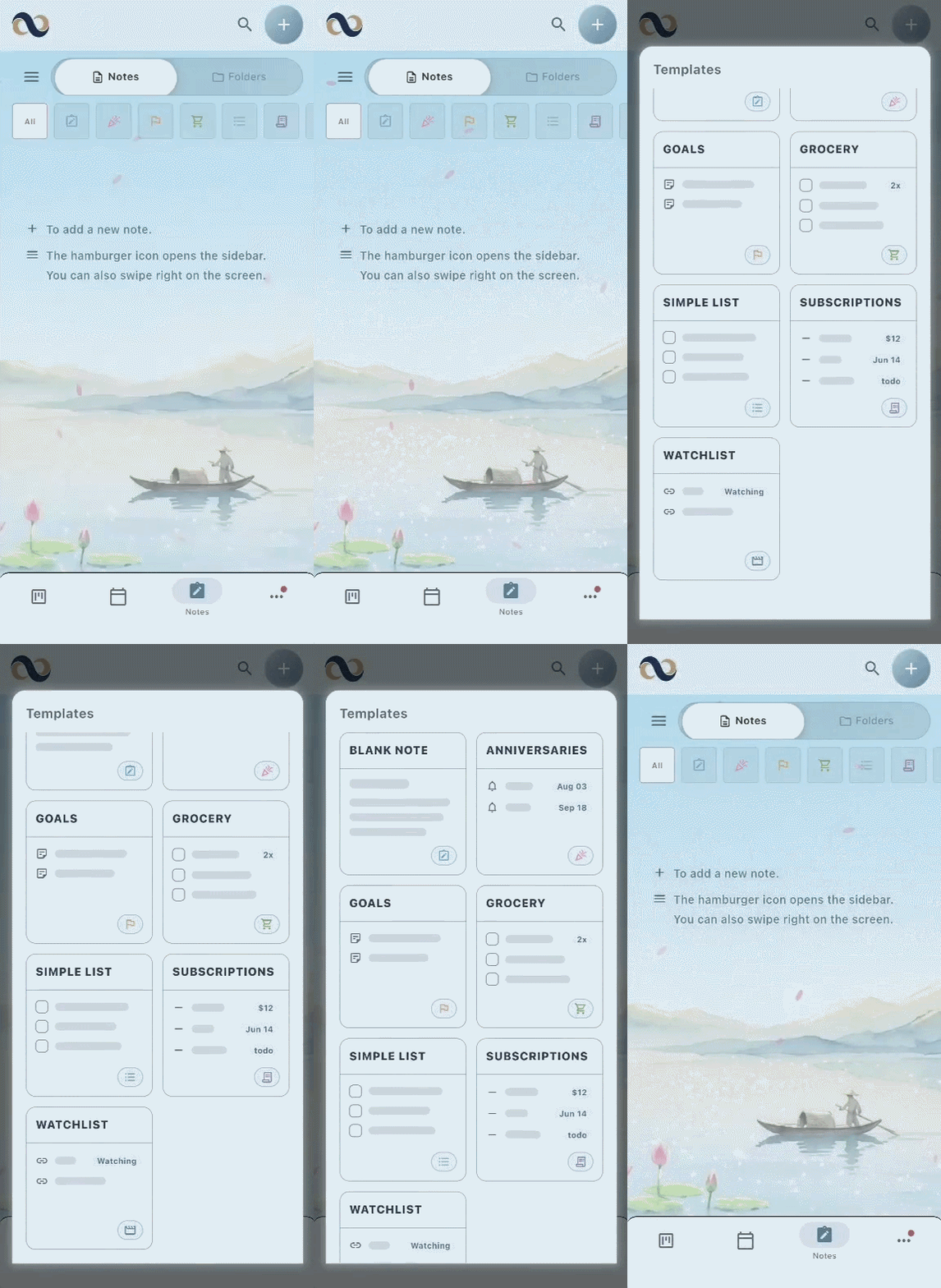
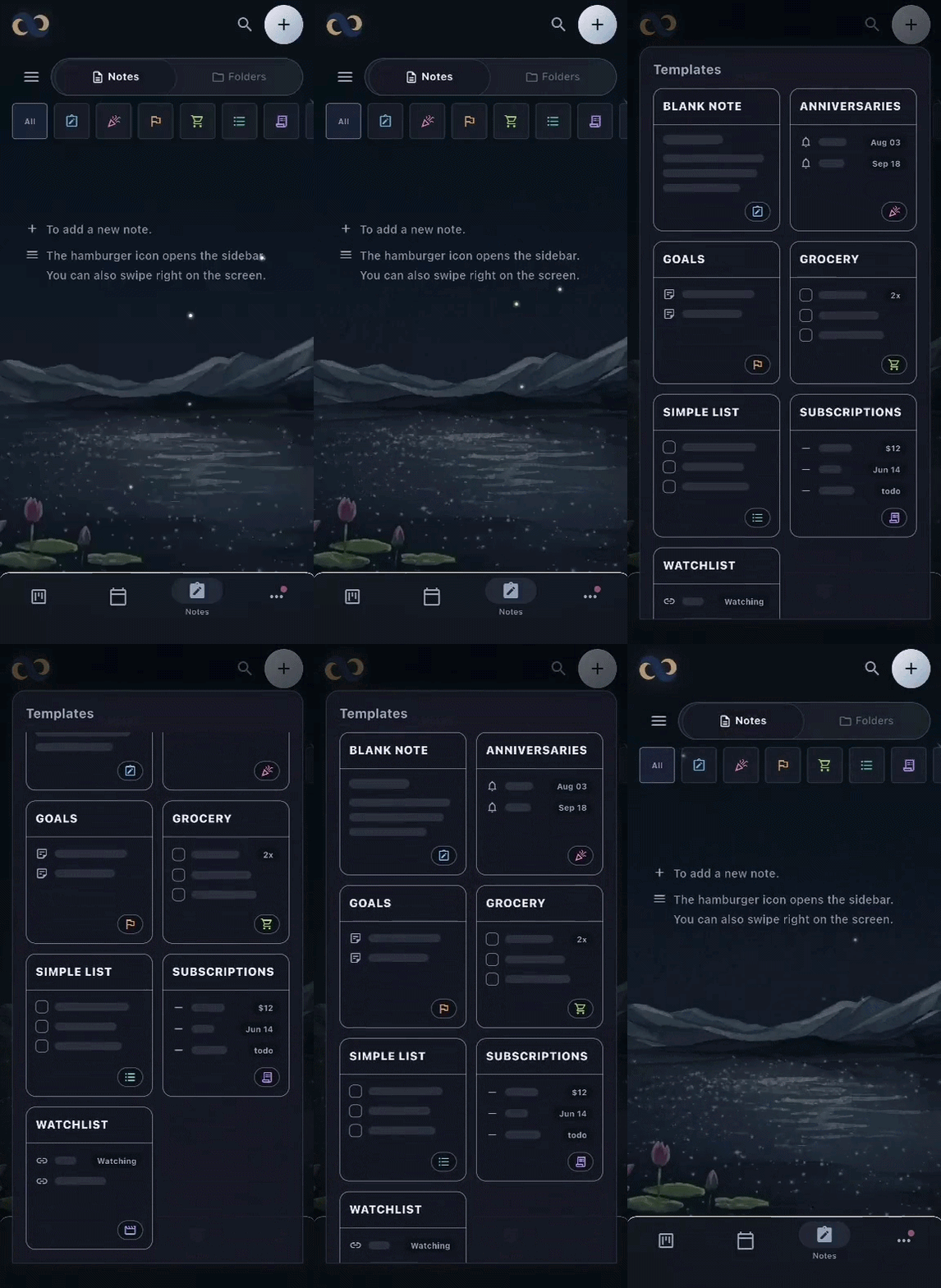
Catch the thought. Skip the setup. Open a blank page to untangle a messy brainstorm, or grab instant templates for your groceries, watchlists, goals, and more. Total freedom when you need to write; built-in structure when you just need to unload.
Pick up right where you left off on any device, with the same calm structure waiting when you arrive.
Turn your repeating routines into instant templates so you never have to build the same layout twice.
Group related work into clear categories, choose a color for each one, and keep that structure recognizable at a glance.
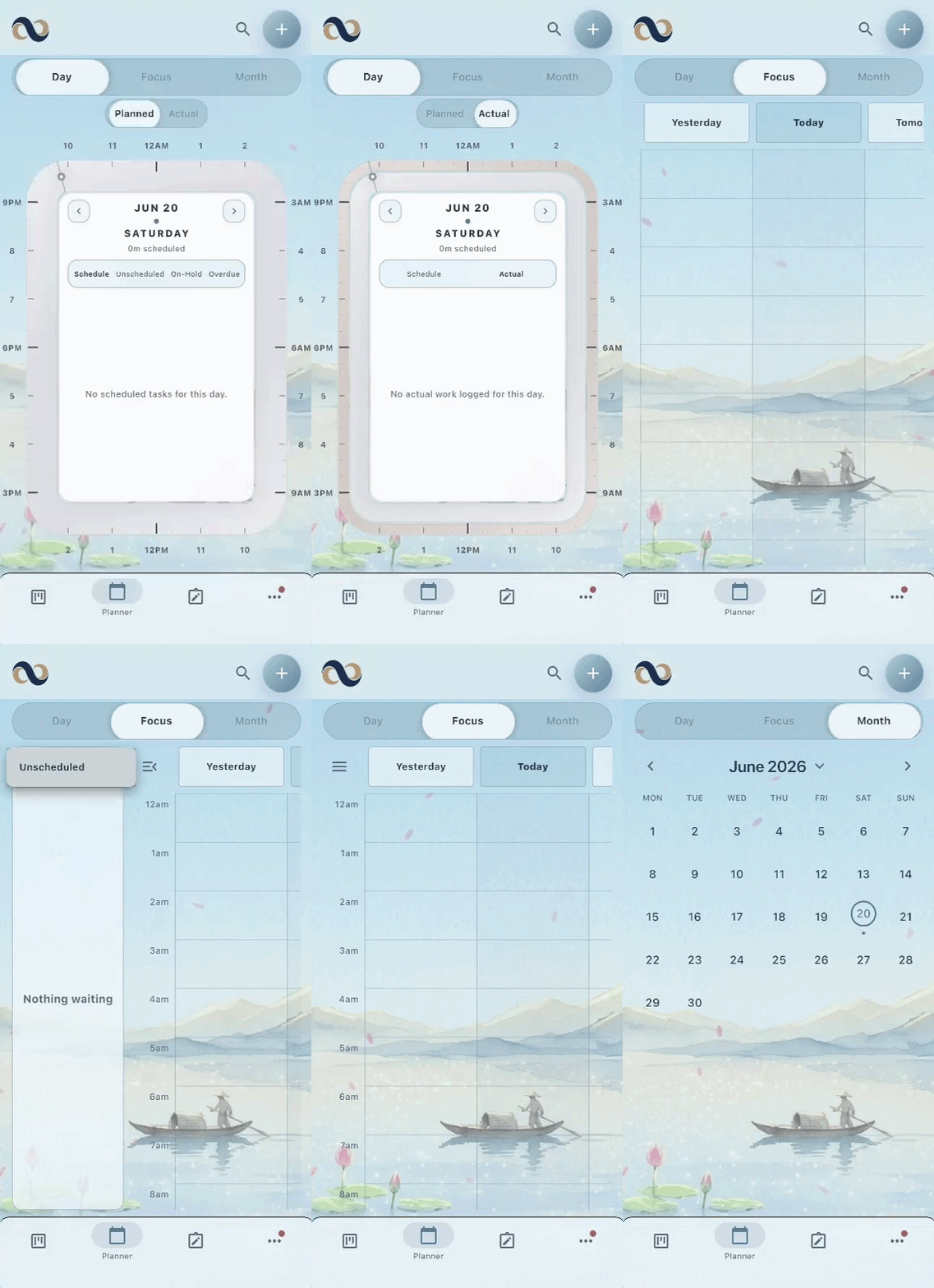
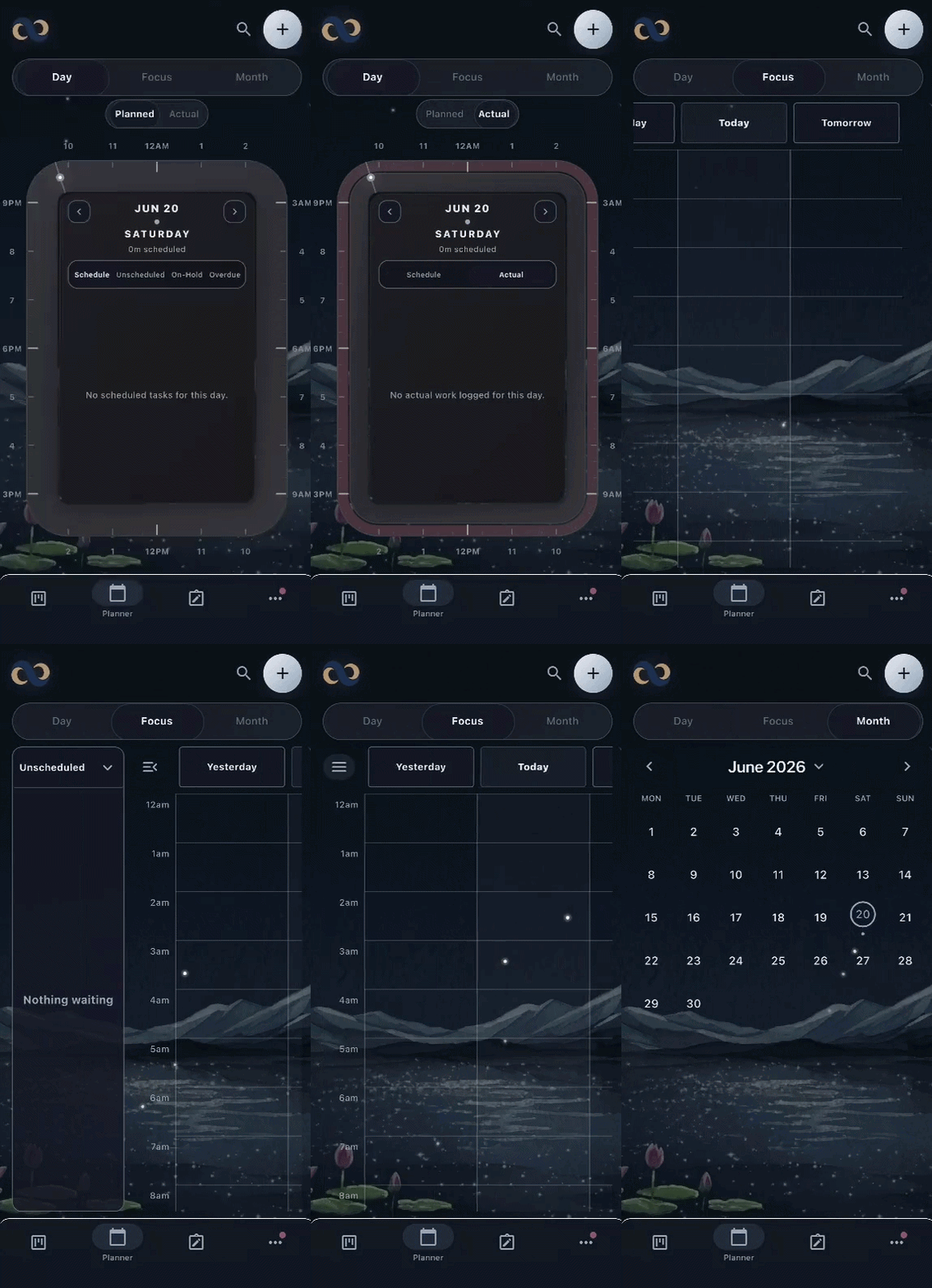
Let Nydhei move through Light, Vivid, and Dark with the day, or lock in the theme that feels right and keep it there.
Privacy pillar
End-to-end encryption is always the default, with zero tracking. Your tasks, plans, and notes are locked down, secure, and entirely yours.
Guides & articles
How to use Nydhei entirely on your device: no sign-up, no internet needed, with optional end-to-end encrypted sync when you want it.
Read the guide →
What makes a to-do list app actually private, and how Nydhei keeps your tasks encrypted end-to-end, tracker-free, and yours alone.
Read the guide →
A simple daily planning method: capture, place, focus. Nydhei's planner dial makes time blocking feel calm and manageable.
Read the guide →
How to run a personal kanban board for everyday tasks, and how Nydhei's board view keeps things calm and personal.
Read the guide →
Stop juggling three apps. How Nydhei combines a task board, a time-based planner, and freeform notes in one calm, private place.
Read the guide →
End-to-end encryption for notes, explained in plain language, and how Nydhei encrypts your notes, tasks, and lists by default.
Read the guide →
FAQ
Yes. Everything you write in Nydhei, including task titles, notes, list items, and even tag names, is encrypted on your device before it syncs, so only your devices can read it. The app has no ads and no third-party trackers.
It does. When you first open the app you can choose to continue without signing in, and everything works on your device from that point on. You only need an account if you later decide to sync across devices.
Yes. Nydhei combines a task board, a time-based planner, and notes in a single app, and all three work from the same underlying data. When you schedule a task in the planner, the board reflects it as well.
It does. The Board view arranges your tasks in columns, and you can zoom into a single column whenever you want to concentrate on what needs your attention right now.
Open the Planner and drag your tasks onto the dial to give each one a time. You can zoom in to focus on today, review the next three days, or step back and look at the whole month.
Yes. Note titles and note content are encrypted on your device before they sync, and only your devices hold the keys. Our encryption guide lists exactly which fields are protected, so you can check the details for yourself.
Nydhei runs on Android and iOS. After you sign in and link your devices, encrypted sync keeps them up to date, and you approve each new device before it can join.
Nydhei is free to download and use, with no account required. If you would like encrypted Cloud Sync across your devices and unlimited premium list templates, Nydhei Pro is available for $4.99 per month or $39.98 per year. There is also the Creator Pack, a one-time purchase that unlocks the premium templates on their own. Final prices appear in the app store purchase sheet and may vary by region.